

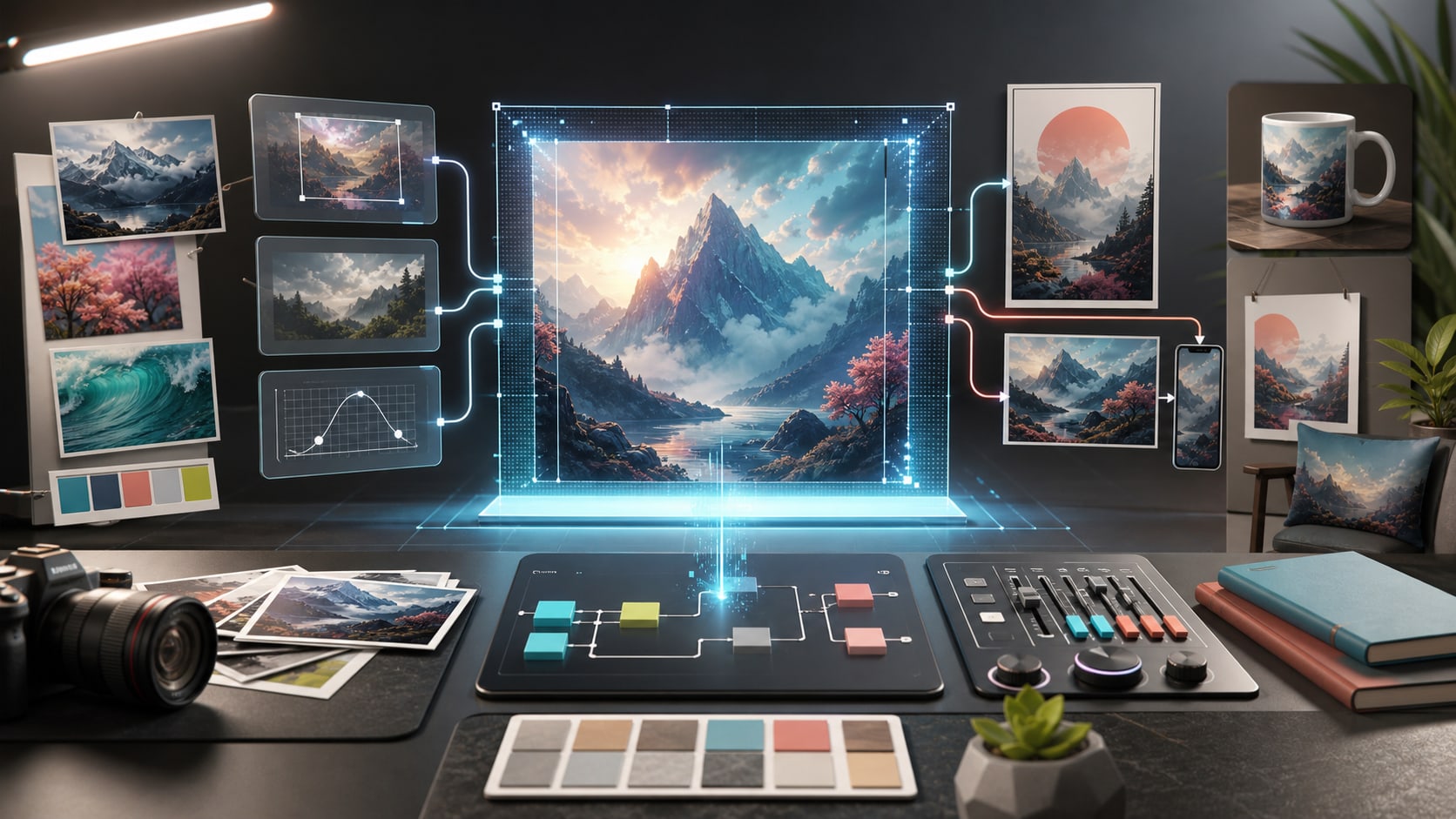
Creating digital images once required a combination of photography, illustration, graphic design skills, and specialized software. Today, artificial intelligence has changed that process. An AI picture generator can turn a written description, sketch, or reference image into a new visual in a matter of moments.
These tools are becoming useful for content creators, marketers, designers, online businesses, educators, and everyday users who need visual content without starting every project from a blank canvas. Modern image-generation workflows also go beyond simple text-to-image creation. Users can refine backgrounds, colors, textures, compositions, and other details through additional instructions.
What Is an AI Picture Generator?
An AI picture generator is software that uses machine-learning models to create or transform images based on user instructions. The instruction can be a written prompt describing a scene, a reference image, a sketch, or a combination of these inputs.
For example, a user might enter a prompt such as:
“A modern coffee shop interior with warm natural lighting, wooden furniture, large windows, and a minimalist design.”
The system interprets the description and generates a visual based on the requested subject, environment, lighting, composition, and style.
Many current AI image tools also support image-to-image workflows. Instead of creating everything from text, users can provide an existing image and describe how they want it changed. This can be useful for experimenting with different artistic styles, backgrounds, colors, or compositions.
How AI Image Generation Works
Although the technology behind image generation is complex, the user experience is relatively straightforward. The AI analyzes the information provided in a prompt or reference image and produces a visual representation that matches the requested characteristics.
A good prompt generally contains several useful elements:
- Subject: What should appear in the image?
- Environment: Where is the subject located?
- Composition: How should the elements be arranged?
- Lighting: Should the scene be bright, dramatic, soft, or cinematic?
- Style: Should the result look photographic, illustrated, artistic, or realistic?
- Mood: What feeling should the image communicate?
Providing these details gives the generator a clearer creative direction. CapCut’s AI image generator, for example, supports both text-to-image and image-to-image workflows, allowing users to describe an idea or use a reference image as part of the creation process.
GPT Image 2.5 AI Image Generator
GPT Image 2.5 AI image generator workflows are designed around a similar principle: start with a visual idea and use prompts or reference material to develop it into an image.
The GPT Image 2.5 workflow available through CapCut can begin with text prompts, sketches, or reference images. It also allows users to provide focused instructions for changing specific parts of an image, such as colors, backgrounds, textures, or other visual details.
This type of workflow is particularly useful when the first generated image is close to the desired result but still needs adjustments. Rather than starting again from scratch, users can refine the visual direction step by step.
From Text Prompts to More Controlled Images
One of the biggest developments in AI image generation is the move toward greater control. Early image generators were often used simply by entering a short description and accepting the generated result. Modern workflows allow users to be more deliberate about the final composition.
For example, instead of asking for “a futuristic city,” a creator could describe a futuristic city at sunset, viewed from street level, with glass buildings, pedestrians, soft reflections, and cinematic lighting.
If the generated result is not quite right, the creator can then make targeted changes. This iterative approach makes AI image generation more similar to an editing process than a single generation step.
Practical Uses of AI Picture Generators
AI-generated images have applications across many areas of digital content.
Social Media Content
Social media creators frequently need new visuals for posts, stories, thumbnails, and promotional material. An AI picture generator can help develop concepts without requiring a photoshoot or manually creating every graphic.
Marketing and Advertising
Businesses can use generated visuals for campaign concepts, promotional graphics, product backgrounds, and creative variations. AI-generated imagery can also help marketers explore several design directions before producing a final campaign.
Product Presentation
Online sellers can experiment with backgrounds and visual environments around product images. Instead of photographing a product in every possible setting, an AI workflow can help create concepts for different scenes and layouts.
Digital Art and Illustration
Artists can use AI as a brainstorming or experimentation tool. A rough idea can be transformed into different visual directions, helping the creator explore composition, color, lighting, or artistic styles.
Storyboards and Creative Projects
Writers, filmmakers, and video creators can generate visual references for characters, locations, scenes, and story concepts. These images can serve as early-stage visual planning rather than necessarily being the finished production assets.
Using Reference Images
Text is not always enough to communicate a visual idea. A reference image can provide additional information about composition, subject placement, colors, or overall style.
Modern AI image workflows can combine an uploaded reference with written instructions. For example, a user might provide a photograph of a room and ask the AI to create a modern interior design version while preserving the basic structure.
CapCut’s AI image workflow supports reference-based creation as well as text prompts, giving users multiple ways to communicate what they want to produce.
Tips for Better AI Image Results
The quality of an AI-generated image often depends on how clearly the desired result is described. A useful approach is to start with the most important visual information and then add supporting details.
Instead of:
“A car in a city.”
Try:
“A modern electric sports car parked on a clean downtown street at dusk, surrounded by glass buildings, soft reflections on wet pavement, realistic photography, natural lighting, wide composition.”
The second prompt gives the system more information about the subject, location, atmosphere, lighting, and visual style.
For GPT Image 2.5 workflows, CapCut recommends describing the visual outcome first, including the subject, setting, composition, and mood, before adding smaller details.
AI Generation Still Requires Human Review
AI image generation can save considerable time, but generated content should still be reviewed before publication. Small problems can appear in areas such as text, hands, faces, edges, repeated patterns, or object proportions.
A practical workflow is to generate several directions, choose the most suitable result, and then make final corrections manually. CapCut’s workflow also includes editing controls for tasks such as cropping, color adjustments, filters, and other refinements.
This human review is particularly important when an image is being used commercially or represents a real product, person, location, or organization.
Where AI Picture Generation Is Heading
AI image generation is moving from simple image creation toward broader creative workflows. Instead of treating generation, editing, and publishing as completely separate processes, newer tools increasingly connect them together.
A creator might start with a written idea, generate several images, refine a selected version, add typography, crop it for a particular platform, and eventually turn the still image into a video. CapCut’s current AI image workflow, for example, connects image generation with editing and image-to-video capabilities.
The important change is not simply that AI can produce pictures. It is that visual creation is becoming an iterative process in which users can move between generating, editing, and refining an idea more quickly.
Final Thoughts
An AI picture generator can make visual experimentation faster and more accessible. Whether the goal is a social media graphic, concept illustration, product visual, storyboard, or creative experiment, text prompts and reference images provide practical ways to begin.
The GPT Image 2.5 AI image generator workflow adds another approach for turning prompts, sketches, and reference images into visual concepts and refining specific elements along the way. For users who want to explore these capabilities, the available CapCut workflows provide a practical starting point for creating and editing AI-generated imagery.
Frequently Asked Questions
1. What is an AI picture generator?
An AI picture generator is a tool that creates images from text prompts, reference images, sketches, or other instructions. It can be used to produce illustrations, realistic scenes, creative concepts, marketing visuals, and social media graphics.
2. What is GPT Image 2.5 AI image generator?
GPT Image 2.5 AI image generator is an AI-powered image creation workflow that can turn written descriptions and visual references into images. It can also be used to refine specific elements of an existing image through additional instructions.
3. Can AI image generators edit existing images?
Yes. Many modern AI image generators support image-to-image editing. Users can upload an image and request changes such as a different background, colors, lighting, style, or other visual elements.
4. How can I write better prompts for AI image generation?
Be specific about the subject, setting, composition, lighting, style, and mood. Instead of using a short description such as “a city,” provide details about the location, time of day, perspective, atmosphere, and desired visual style.
5. Are AI-generated images suitable for professional use?
AI-generated images can be useful for marketing, social media, concept development, presentations, and other creative projects. However, users should review the output carefully and check the applicable usage rights and requirements before using an image commercially.
